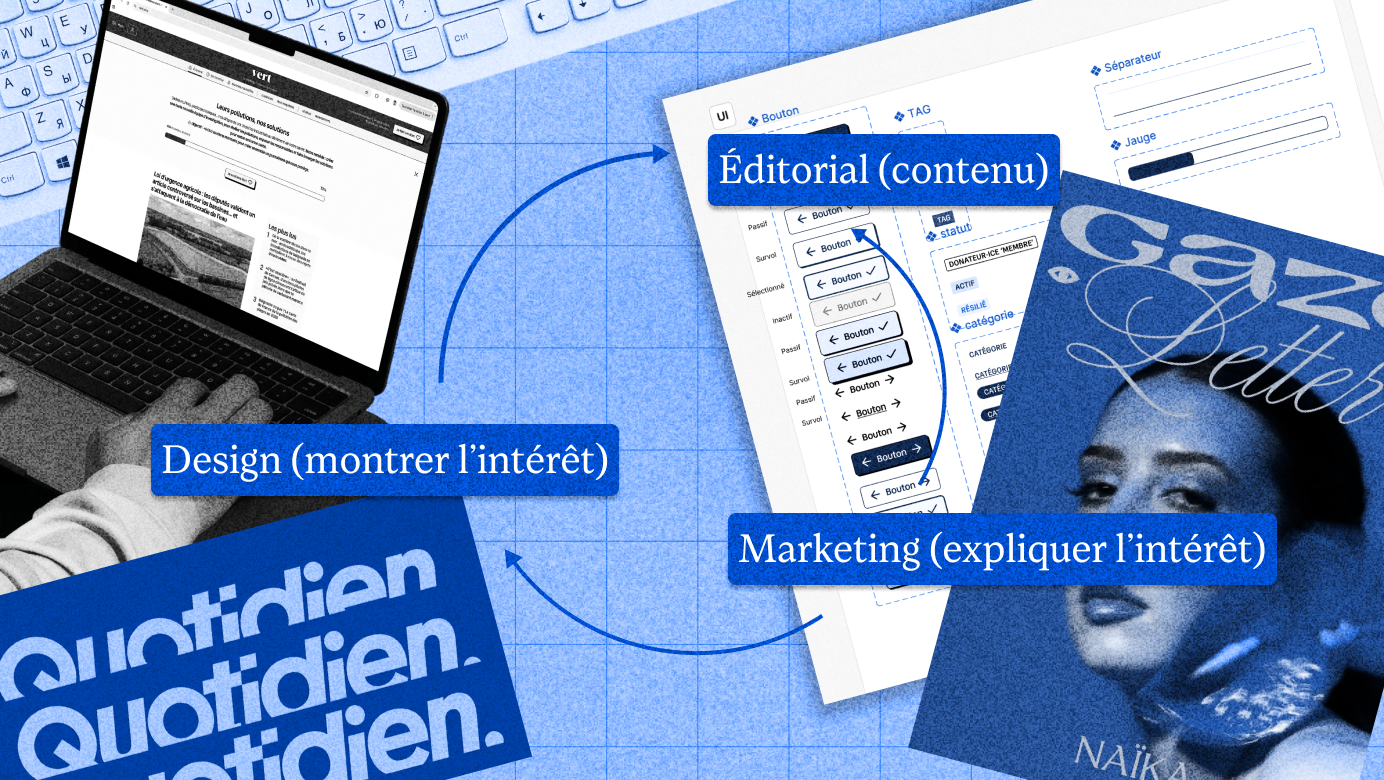
When sharing an article link on social media, it's typically accompanied by a horizontal image. This link preview image is called an "open graph," taking the name from the protocol that allows metadata to be attached to a link (credit to Facebook for developing it). It's also referred to as a Facebook or Twitter card. It's amusing, really, because today Twitter/X no longer includes article titles with open graph images—only the images themselves are left to carry information.
Why add an open graph image?
This image serves two purposes: to entice and to reassure.
Make it appealing
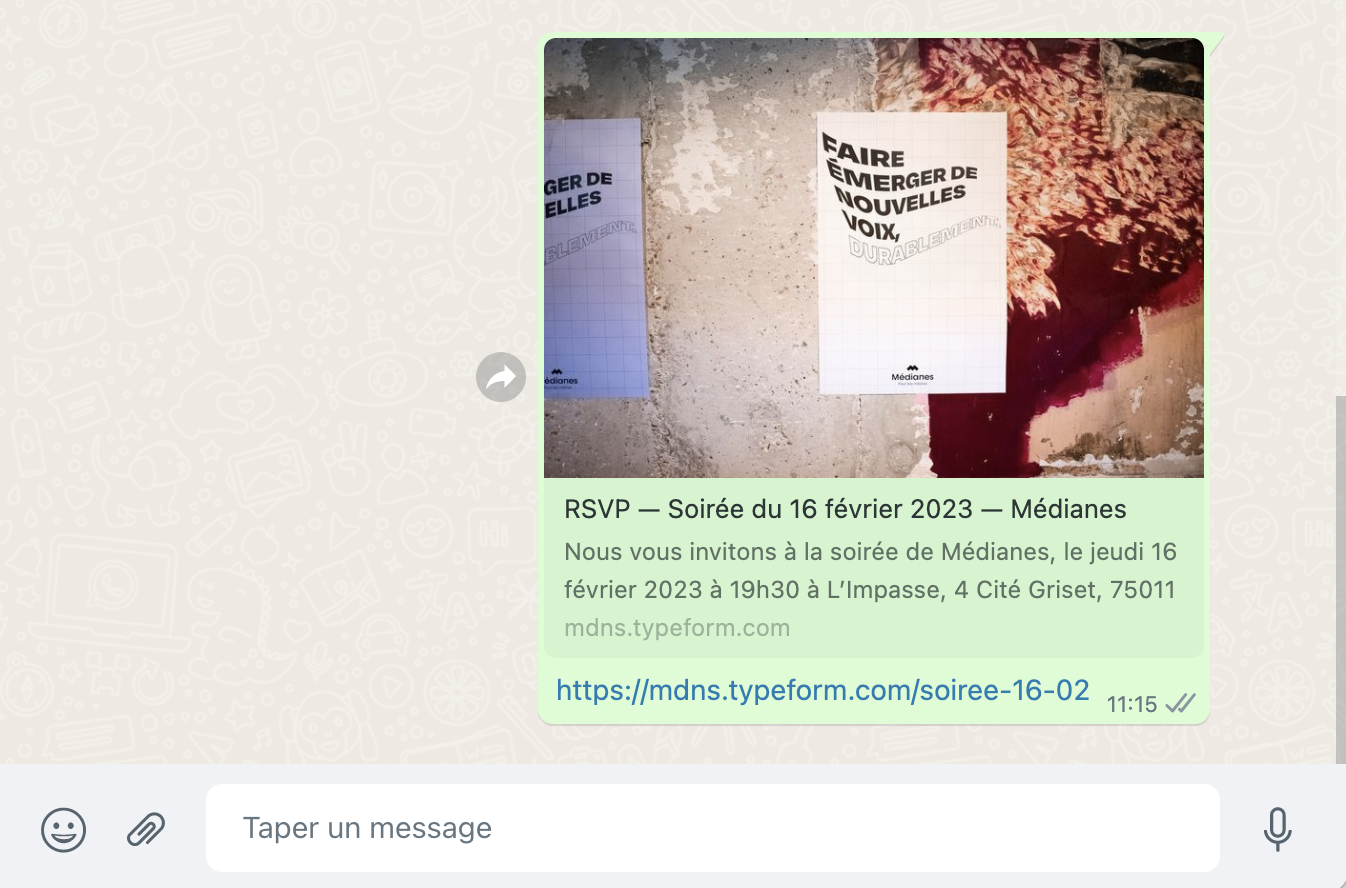
Images help the link stand out in a private conversation thread or on a Twitter feed and give a first impression—hopefully an attractive one—of the content. When sharing with your close circles, a well-crafted open graph and properly filled metadata let you easily share contextual elements before the recipient even clicks. Really handy for those of us who are always in a hurry.
Reassure
Since links are opaque, open graph makes it easier to identify their source through any logos and the application of the visual identity.
Moreover, filling in metadata correctly — including the associated image — is appreciated by search engines. This is also beneficial for content SEO as a bonus.
From a marketing perspective, a good open graph encourages greater audience engagement: it's more reassuring to share third-party content (an article or newsletter, say) if the link visually appears to work, and if the image is attractive.

→ You can verify that your open graphs are working correctly with the Facebook Debugger tool.
Optimize your open graph
From an iconographic standpoint, it's important to have a visual that, as we've seen, conveys information about the sender's identity as well as the link's destination and the underlying content. This is essential, because a poor visual can undermine your message if it has lower quality than the content, or if it gives a misleading impression of what one will find behind the image in question.
Technically, any image exported as JPG, typically at 1200 x 700 pixels dimensions, will work. As for the type of visual, we have three options: photography, illustration in the broadest sense, and text.
- It's not essential to upload a photo if there's actually no need for one. Product photography represents a significant budget, and stock images rarely enhance an article. However, if you do want photos and they come from mismatched sources, it's possible to standardize them by adding noise, by converting them to black and white or duotone, for example. You can also insert them into a template to add a watermarked logo, a gradient, a title, etc. Processes can easily be customized to order.
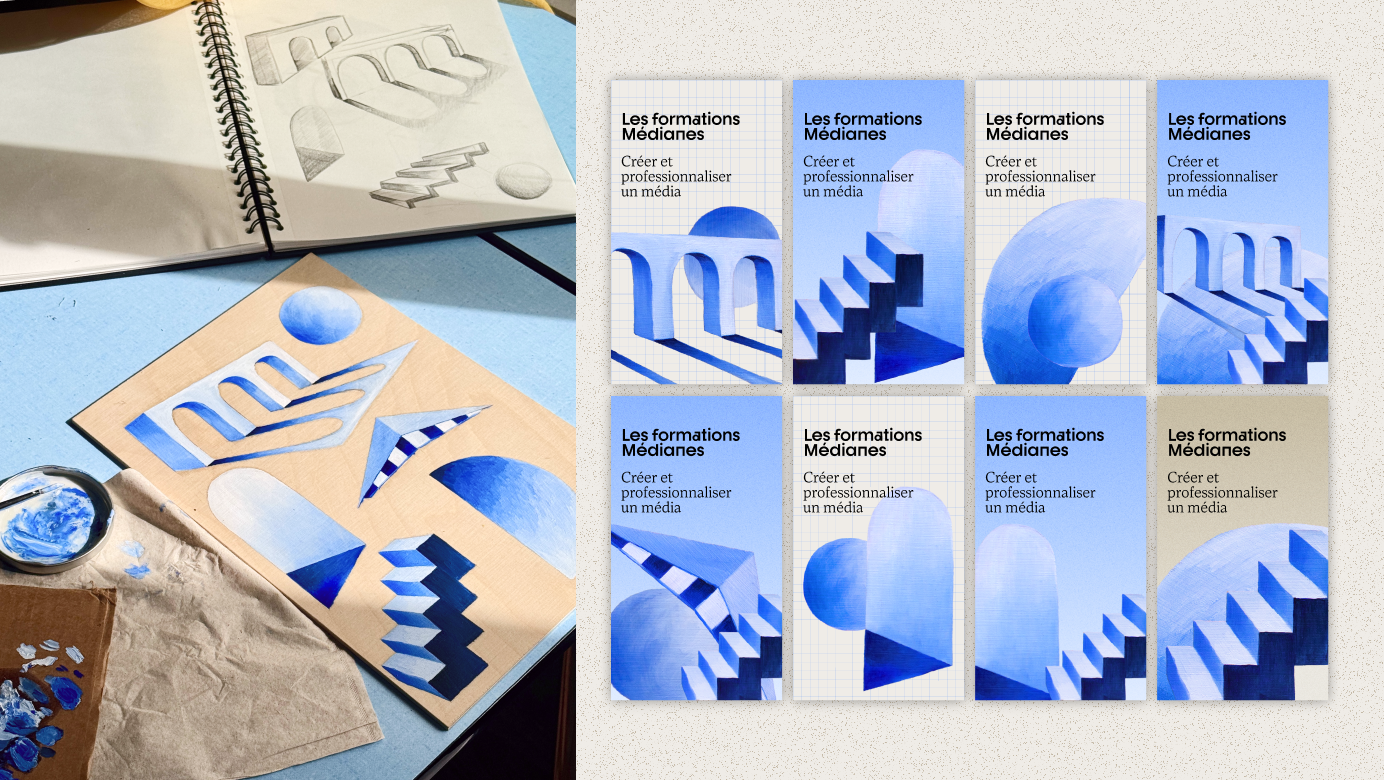
- Illustrations, especially the more abstract ones, can overcome certain limitations of photography by creating an atmosphere, suggesting an idea. Let's make sure they serve a purpose greater than looking pretty.
- We're currently seeing AI-generated images appearing on the front pages of certain media outlets. While it's more ethically defensible to synthesize an illustration than to fabricate a news photo from scratch, this still raises questions about the added value of illustration images, whether they're real or invented.
- As for text, it allows for open graphs whose information comes through clearly. This is the option we chose at Médianes; there are articles for which we have no image on the front page, so we manually create open graphs for them in Figma. They are then attached in the metadata and appear when the article is shared.
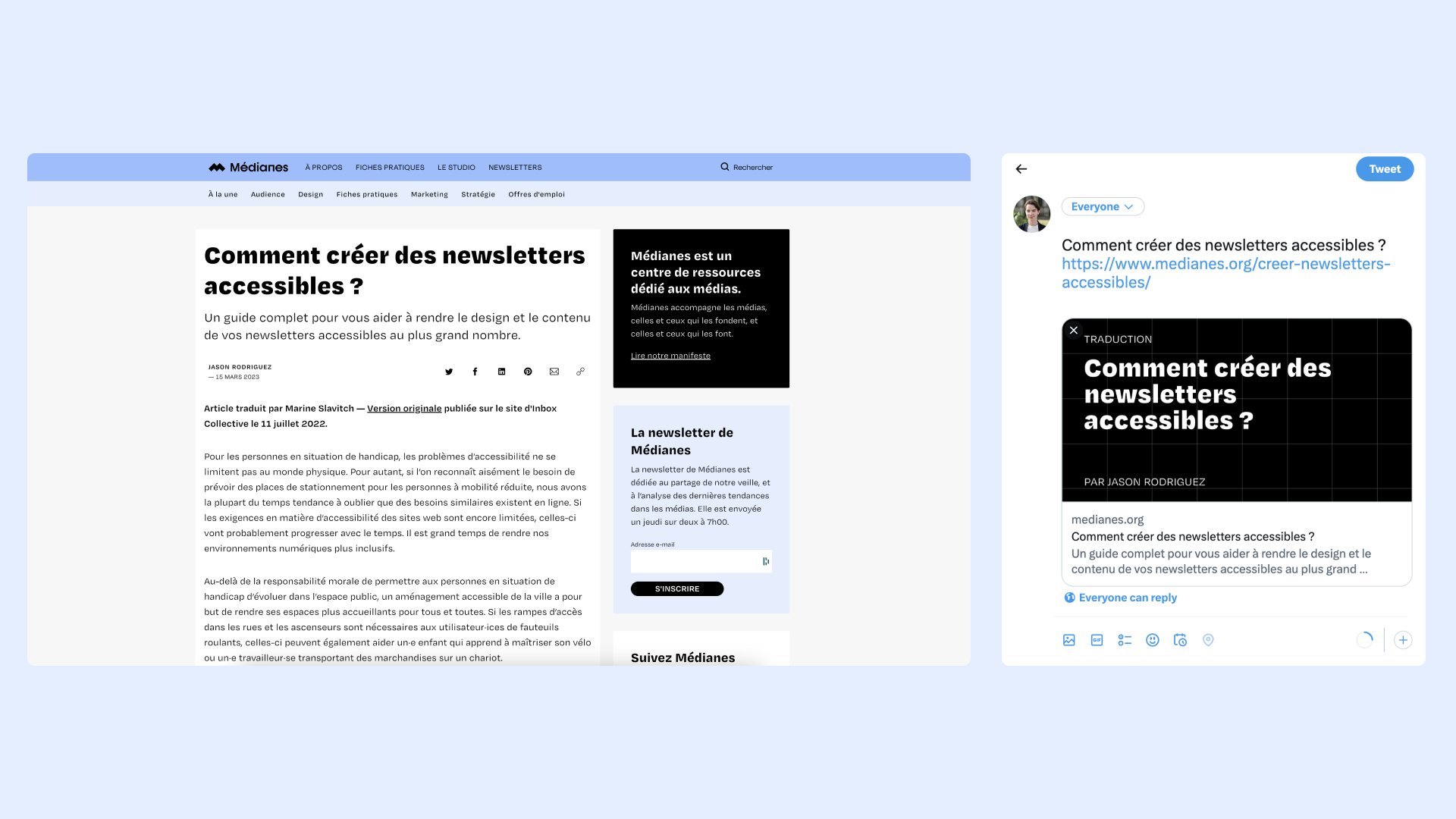
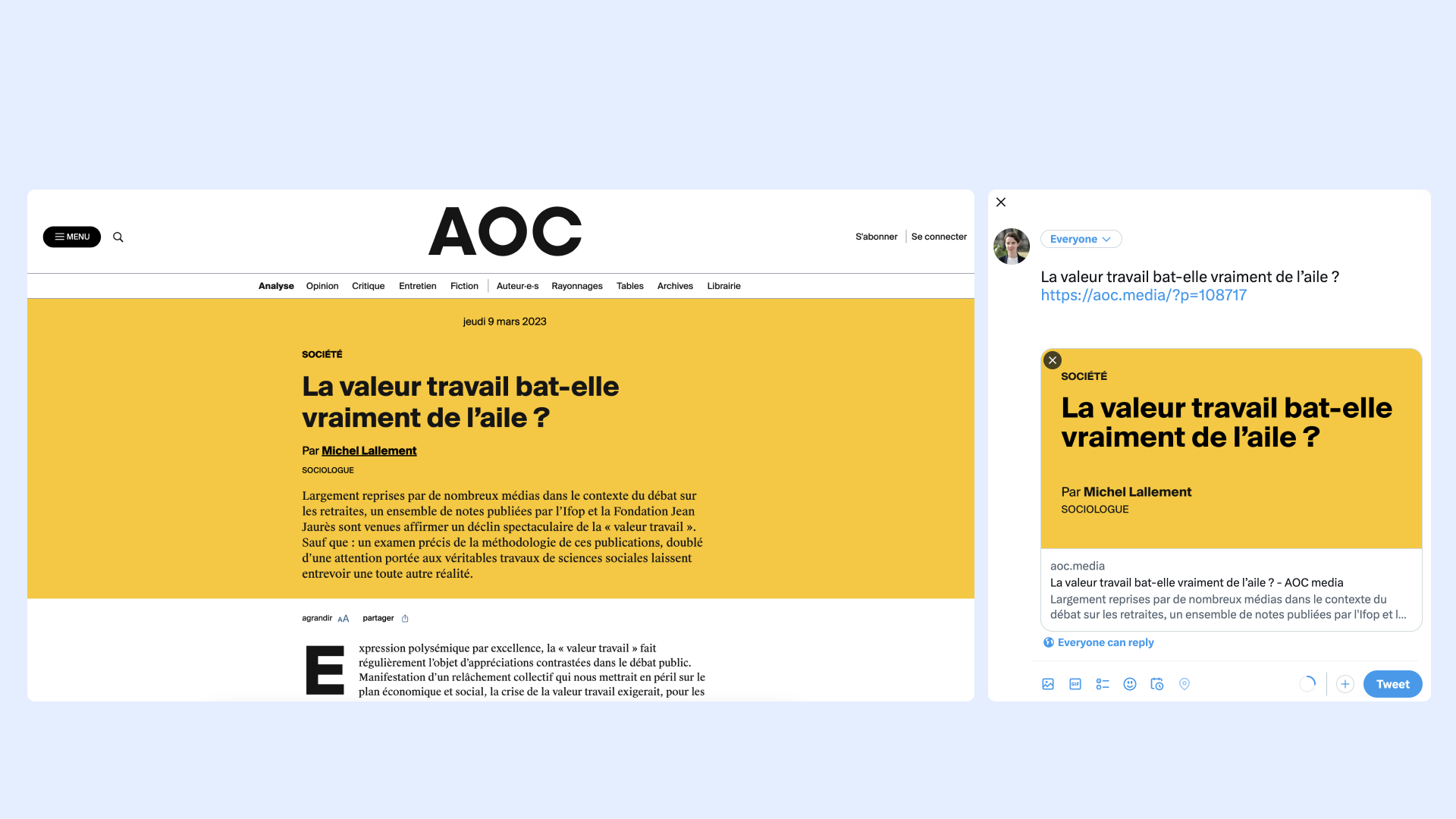
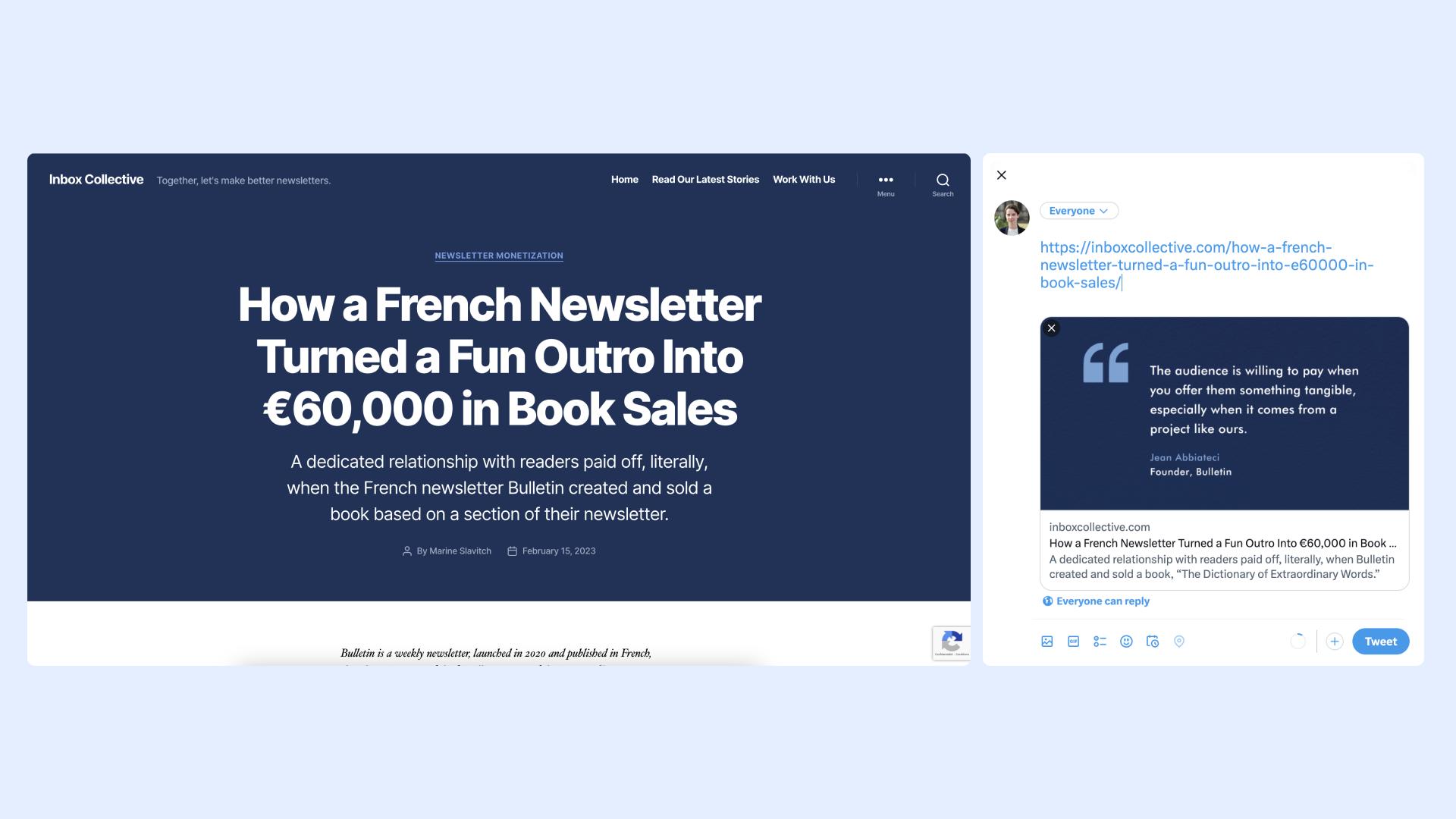
In this game, it matters to pay attention to information hierarchy by drawing the eye to the most important part of the image, here, the title. Let's make sure to respect the contrast between the background and the text so that it is accessible to as many people as possible. Finally, it's beneficial to have a well-oiled layout process that requires you little more than a few seconds of editing.
Keep your open graph updated
Finally, all of this falls flat if your images aren't linked to the right articles, if you edit the title without editing the one appearing in the open graph, or if you don't update the image links when duplicating content (a newsletter template, for example). Always check with a click — in private browsing, even better — that the shared element leads where it should, appears as it should, for everyone.