


In July 2023, the Médianes team consists of 10 people, bringing together media and studio staff. 10 people spread across five different cities and sometimes across two time zones.
When we founded the company with Christelle and Marine, we wanted to emphasize the opportunity for all team members to work where and when they choose.
In February 2023, part of our team based in Paris moved into beautiful offices across from the Hôtel de Ville, thanks to the Plateau Urbain cooperative, but we made no changes to our remote organization, and while this presentation is not a user manual, it may help you discover how we organize ourselves day to day.
The tool's place
We see tools for what they are: means of production. When a tool doesn't fit our methods and we have to adapt ourselves to it, we give it up.
It's an exercise in discipline, but it's only on this condition that we can ensure the entire team adapts to them naturally and finds value in doing so.
On one hand, we test a lot of tools, reject many of them, and adopt only a few. Integrating a new tool into our processes only happens if we ensure proper internal training and confirm its viability and compatibility with our methods.
In our fields, the only investments we make outside of hiring are modest: hardware (computers) and software (tools and services). This is why it's important to stop feeling guilty about paying for certain services.
The question of tools necessarily raises the question of independence and the place we give them in our project, and in relation to our users. Questions of freedom and privacy, the ability to adapt tools to our needs, compliance with European regulations, the issues these raise… choosing tools is also a political choice. In fact, we are currently seeking to develop our use of free and European software more, even if it means creating our own tools eventually. You will therefore find in this article a series of open alternatives to the tools we use.
Constant monitoring
Whether it's work organization tools, communication, conversation recording, messaging, or finances, we actively monitor new developments.
For this, we can notably cite the following resources:
- Product Hunt; which lists new tool and service releases daily (currently lots of AI);
- Wonder Tools; Jeremy Caplan's newsletter featuring new releases and case studies;
- Jonathan Lefèvre's comprehensive toolkit, designed to optimize work processes;
- The Splice Frames newsletter, from our friends at Splice, which also offers fascinating coverage of product news in the media.
Exchange messages
Internal communication and communication with our clients is handled with a trio of tools: Spark, Slack, and WhatsApp. Each tool has its own purpose.
Spark (🇺🇦)
For our emails, we use the Spark client, in version 2. Spark connects with any email and calendar service (including Outlook, Google, Yahoo…) and not only allows you to manage all your emails from a single interface, but above all enables you to collaborate directly from the interface.
What we love about Spark:
- The ability to exchange messages between team members directly within an email conversation;
- The ability to assign emails to team members and share them without transferring them;
- The ability to create shared drafts so you can review and complete the email before sending it.
Spark also has all the features you'd expect from a good email client: automatic email sorting, the ability to snooze emails, schedule them, mark them as important, create email templates, and more…
Spark is free and offers a paid version to access more collaboration features.
⟶ An open alternative: Thunderbird (to use with something other than a proprietary email service).
Slack (🇺🇸)
Professional messaging service, Slack is our primary communication platform. We use a paid version to preserve our message history and access advanced features. Slack is where our internal exchanges take place by default: not by email, not elsewhere, except in exceptional cases.
We've divided our platform into as many channels as there are topics, and we require discussions to happen within these channels so that information is shared with everyone.
On the studio side, we create shared channels with our clients when necessary to share documents, updates, and messages related to project progress, with the goal of centralizing as much of our communication as possible on the platform, making it easier to disconnect.
What we love about Slack:
- Its flexibility and the power of search tools;
- Integrations with third-party applications;
- The ability to interact with members from other workspaces.
⟶ An open alternative: Mattermost, or Element.
WhatsApp (🇺🇸)
A remnant from the early days, we use WhatsApp for urgent exchanges between team members, very occasional and often related to events or office matters. Its usage is clearly declining, but we continue to use it sporadically.
⟶ An open alternative: Signal, which we're also starting to use.
Collaborating daily
To exchange files, documents, or simply work on our projects, we also use a range of tools.
Notion (🇺🇸)
Notion is perhaps the most trendy productivity tool at the moment, with an entire economy of template creators structuring itself around it. The service aims to bring together collaboration, writing, project management, and task list features, all in one place.
At Médianes, we use Notion as a shared note-taking tool. Each meeting is noted and recorded in a dedicated database, which makes it easy to search and hand off topics, and prevents calendar overload from meetings.
We also use it to create shared portals with our clients, which allow them to stay informed of mission progress, find all exchanges, reports, and upcoming deadlines. We also use Notion as an internal wiki, with all the information needed to know about Médianes, our methods, internal rules, day-to-day operations…summarized in a welcome sheet for the team. Finally, Notion also allows us to communicate externally for media kits or to share our editorial and ethical charter.
What we appreciate about Notion:
- Its flexibility;
- Its potential complexity, which allows us to systematically achieve our goals;
- Its constant evolution.
⟶ An open alternative: Focalboard by Mattermost, or AppFlowy.
Google Drive (🇺🇸)
Each new mission, each project, warrants opening a file on Google Drive where shared documents can be used by all stakeholders. We also use Google Drive suite for collaborating on early versions of written documents, including articles, to take advantage of its powerful suggestion and comment features. And we use Google Calendar and Google Meet to organize our video conference meetings.
These Google Drive documents, shared or imported into Notion and Slack, integrate well into our workflows.
⟶ An open alternative: Nextcloud or ownCloud.
Cron (🇺🇸)
In addition to Spark, we use the calendar software Cron, which can be synchronized with Notion, helping with note-taking, and offering useful reminder features to keep us from being late to meetings, or from letting them run too long.
⟶ An open alternative: not really, or else integrated into tools like Thunderbird.
tl;dv (🇩🇪)
Speaking of meetings, we really value respecting our team's time, and we ensure, though we're always striving to improve, that meetings are useful for all participants.
tl;dv allows us to add a virtual "note-taker" to our Google Meet meetings, who will not only record the entire meeting, but also transcribe it to text, summarize it in a few key points, and offer to share it with all participants and beyond.
We now use it almost systematically, making sure to notify the people we're meeting with in advance to reduce the number of non-essential participants; and we're very convinced by this approach.
What we appreciate about tl;dv:
- Its ease of use;
- Its connections with other platforms;
- Its collaboration and sharing features.
⟶ An open alternative: no.
Figma (🇺🇸)
Christelle, associate art director at Médianes, uses Figma daily for the web and social media projects we undertake. But beyond this professional use, which we're quite satisfied with, we use Figma more collaboratively, whether for participatory workshops (using the Figjam tool), or even for communications, as we have pre-defined templates using Figma that help us save time.
 Christelle Perrin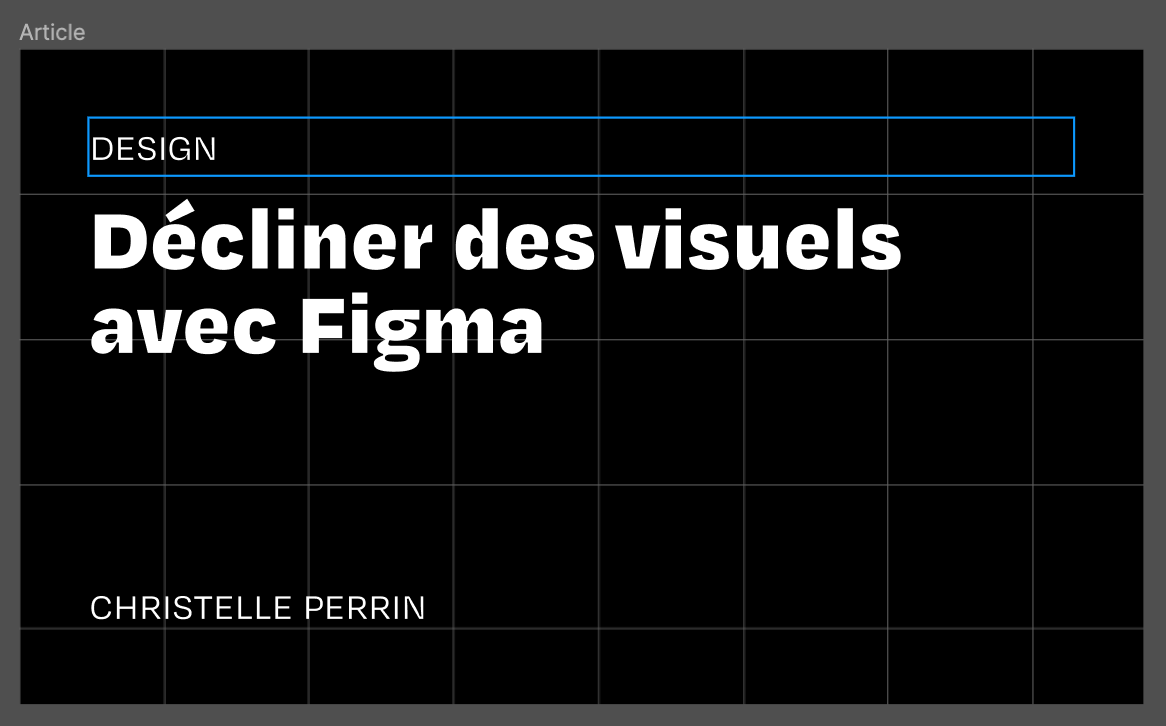
What we appreciate about Figma:
- Its intuitive nature;
- Its countless possibilities;
- Its ability to be "limited" for beginners.
⟶ An open alternative: Penpot.
Managing invoices and accounting
In day-to-day work, good management, accounting, and forecasting tools can make life easier; even if learning to use them sometimes requires real training.
Facture.net (🇫🇷)
For our quoting, invoicing, and revenue tracking on the studio side, we've used the free service Facture.net since our founding, which in our view combines all basic features without being overly complex.
After three years of excellent service, we're moving toward a more integrated solution better suited to our needs, but for freelancers and small startups, it's a reliable, simple to use and understand tool.
Pennylane (🇫🇷)
After our experience with Facture.net, we chose Pennylane, which in addition to invoice and quote tracking offers cash flow forecasting, expense and purchase analysis, supplier invoice management, and even a business account and individual named cards for team members who need them (travel…).
We appreciate the tool for its intelligent features (automatic reminders, payment detection and bank reconciliation, forecasts…), and for its rather user-friendly interface.
Qonto (🇫🇷)
We use the neobank Qonto for some of our expenses and purchases; we like it for its responsive web services, and also for its collaboration capabilities: we've set up a bot on Slack that notifies Médianes partners of each expense or entry, which also facilitates bank reconciliation; and receipts are automatically uploaded to a Google Drive folder.
Dougs (🇫🇷)
Our accountant is Dougs. After some mixed experiences, we decided to turn to a generalist, online accounting firm that offers us excellent value for money, even though many tasks must be done manually, such as expense documentation. With the tools we've set up, this isn't a very tedious operation, and we benefit from responsive customer service and account validation by a sworn firm.
Trainline for Business (🇬🇧)
We travel by train frequently, whether heading to Paris from our home cities or visiting clients in France or Europe. Collecting receipts, forwarding tickets, or expense reports is often a hassle. With Trainline for Business (formerly Captain Train), in its free version, we centralize all ticket purchases, resulting in a single invoice, immediate ticket delivery, and allowing our team to avoid advancing expenses.
Perpetual motion
This list is not only incomplete, it's also not guaranteed. Indeed, we constantly test new tools, and while the path to a tool joining our team is long, it's not always valid for everyone.


